

 Blog
BlogHttpWatch Version 6.2 Supports Data Exchange with Firebug

We’ve been working with Jan Odvarko, from the Firebug team to create an open file format for sharing HTTP log files. It uses text based, JSON encoding and has been designed for ease of use over performance or comprehensiveness. Most popular programming languages have libraries that can handle the parsing or creation of JSON files so it should be relatively easy to extract data from or create HTTP ARchive (HAR) files.
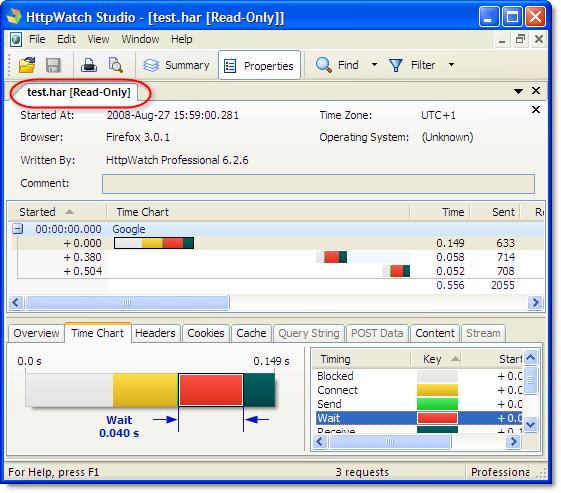
We released HttpWatch version 6.2 today and one of its major new features is import:
and export of HAR files:
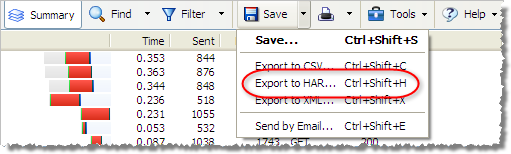
There’s no automation support and you can’t save a HAR file as a native HttpWatch log file in this version, but that will be added in a future update to HttpWatch.
To export files from the Net Panel Firebug you’ll need:
- Firebug 1.5X.0a26 or later
- The NetExport plugin for Firebug (version 0.7b5 or later)
There’s also a HAR viewer that renders the file in your browser. At the moment, only Firebug and HttpWatch officially support this file format but other tools vendors are expected to add support in the near future.
The current version of the HAR file format is not as comprehensive as the native HttpWatch file format, so it is still worth saving your log files initially in the .hwl file format. You can then create HAR files if required in HttpWatch Studio.
HttpWatch version 6.2 also contains these new features:
- A reload dialog is displayed in HttpWatch Studio if a log file has been externally modified
- The Firefox plug-in now has the same cookie related functionality as the IE plug-in
- ‘Open’ and ‘Open in New Tab’ commands have been added to the URL column’s context menu
A detailed list of changes and fixes in this release is available on the version history page .
4 thoughts on “HttpWatch Version 6.2 Supports Data Exchange with Firebug”